This is Linux Mint 27, codename Adrien.
Long term support release (LTS), supported until April 2031.
Linux Mint 27 comes with updated software and brings refinements and many new features to make your desktop experience more comfortable.
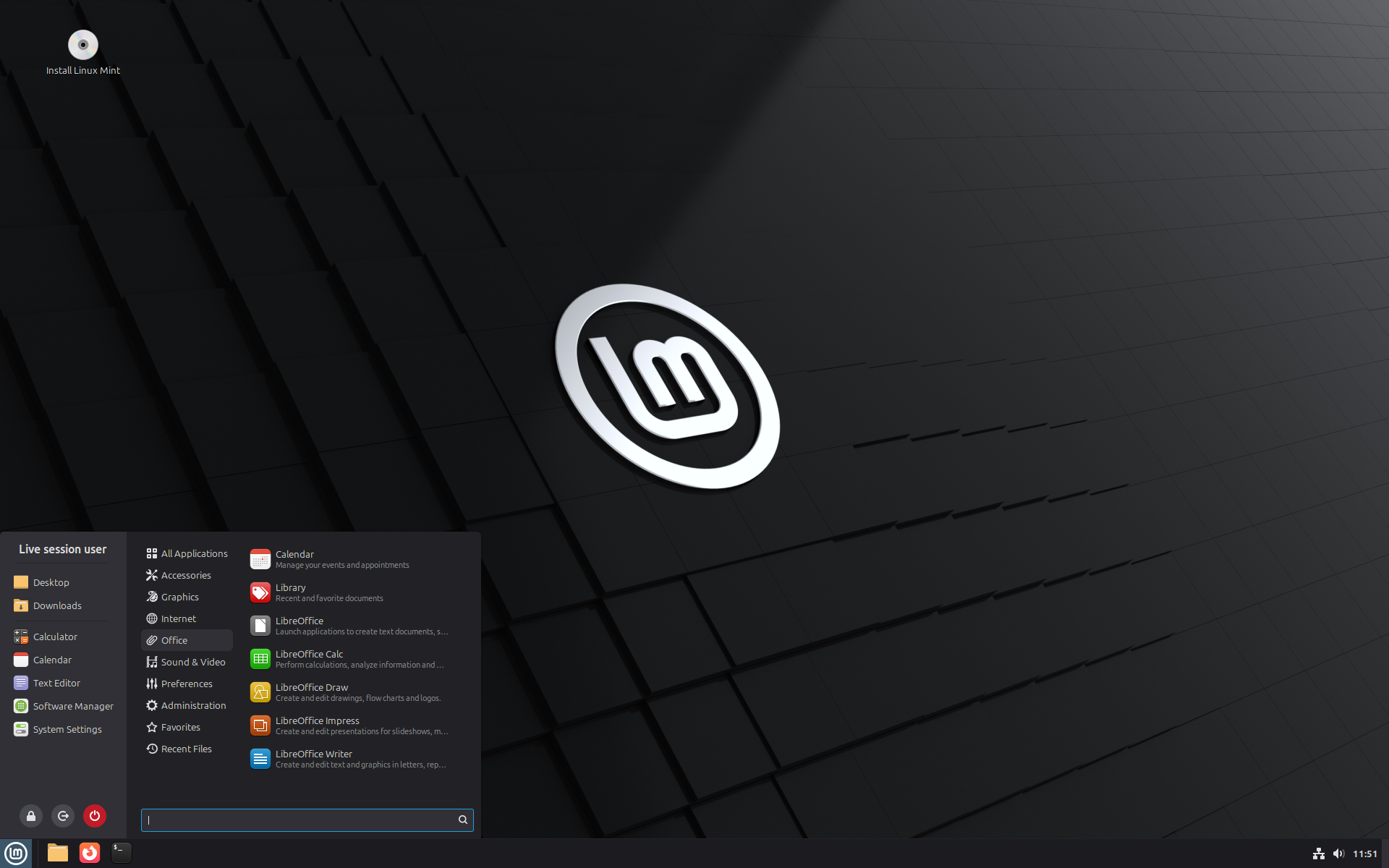
Linux Mint 27 "Adrien"
Known issues
Tips
Username and password in the live session
In the live session, the username is "mint" and the password is empty (i.e. just press Enter if asked for a password).
Moving windows which don't fit in the screen
If your screen resolution is too low, some windows might not fit in the screen.
While pressing the ALT key, you can grab any part of a window with the mouse and move it across the screen.
Solving freezes during the boot sequence
Some graphics cards don't work well with the open-source driver present in Linux Mint.
If Linux Mint freezes during boot time, use the "Compatibility Mode" boot option.
In this mode you should be able to boot Linux Mint and install it on your computer.
After the installation, reboot the computer and wait for the boot menu to appear.
Add the "nomodeset" option as illustrated below:
If your graphics card is from NVIDIA, once in Linux Mint, perform the following steps to install the NVIDIA drivers:
- Run the Driver Manager
- Choose the NVIDIA drivers and wait for them to be installed
- Reboot the computer
With these drivers the system should now be stable and you no longer need to use "nomodeset".
Note: If you're using an Optimus card, you've nothing more to do. Upon reboot, a system tray icon should show up indicating which GPU is currently active. Click on it to switch GPUs.
Note: If you still cannot boot try one of the following solutions:
- Try with "nouveau.noaccel=1" instead of "nomodeset".
- Try with "noapic noacpi nosplash irqpoll" instead of "quiet splash".
- After the installation, use "Advanced Options" -> "Recovery mode" from the boot menu and choose "resume".
Choosing the right version of Linux Mint
Each new version comes with a new kernel and a newer set of drivers. Most of the time, this means newer versions are compatible with a larger variety of hardware components, but sometimes it might also introduce regressions. If you are facing hardware issues with the latest version of Linux Mint and you are unable to solve them, you can always try an earlier release. If that one works better for you, you can stick to it, or you can use it to install Linux Mint and then upgrade to the newer release.